
Unreal Is the Director: From a Grey Render to a Finished AI Shot for $0
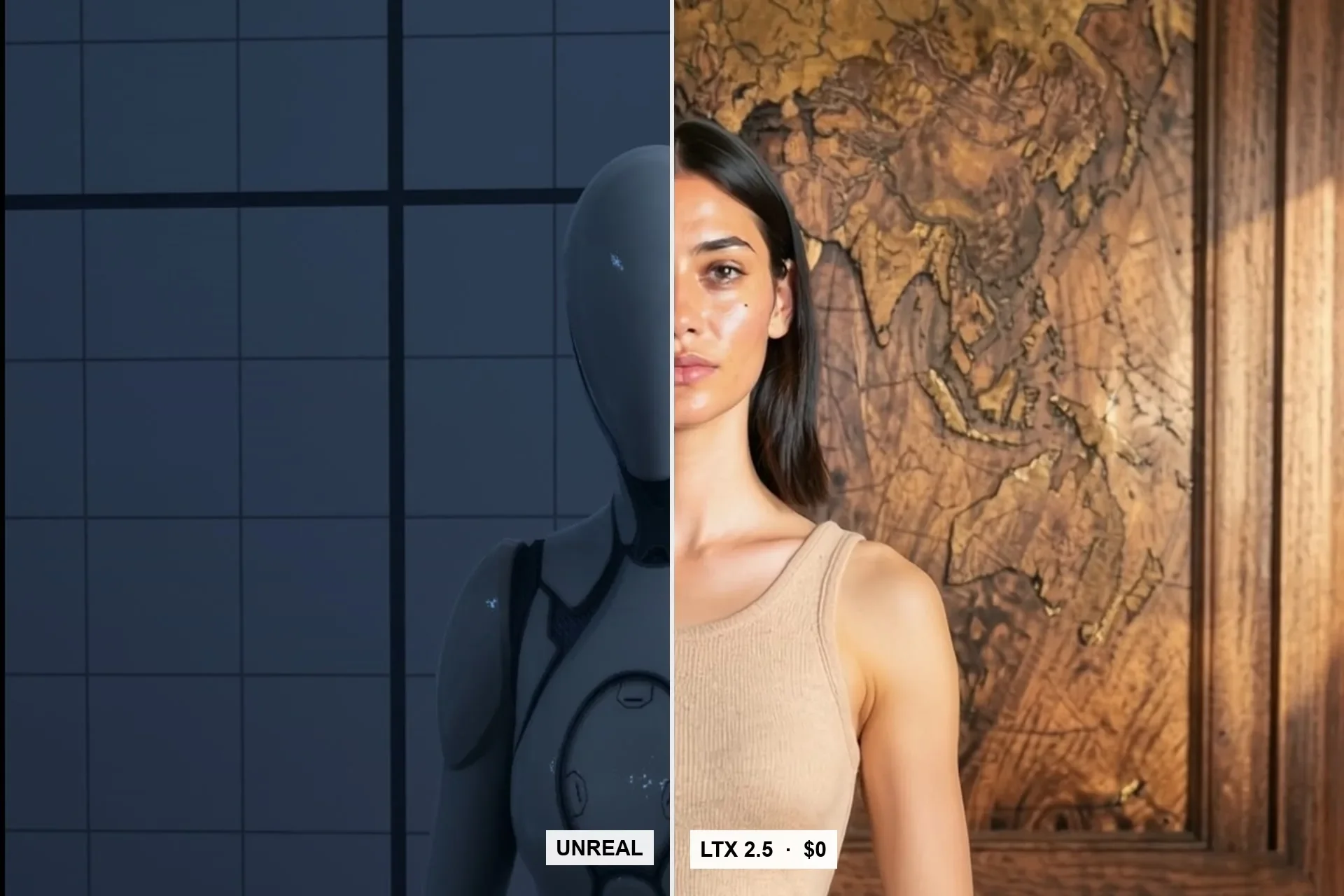
We block the camera, set and body in Unreal Engine 5.8, render a grey clip, and let LTX 2.5 paint it into a finished shot on one 16 GB card. The output follows the layout frame by frame.
Key takeaways
- Unreal Engine 5.8.4 does the blocking: camera, set and a mannequin. Movie Render Queue outputs a grey beauty pass plus depth and normal passes.
- The first frame is restyled into a look still with FLUX.2 klein edit and our talent is bound in by faceswap. LTX 2.5 with Lightricks' Layout-To-Render IC-LoRA then paints the whole grey clip.
- Output is 1920x1088 landscape or 1088x1920 vertical, 81 frames at 24 fps (about 3.4 s), in about 5 minutes per clip on one RTX 5060 Ti 16 GB. Cost: $0.
- The output follows the layout's per-frame scale within ±0.05%. The camera you animate is the camera you get, mistakes included.
- Anything in the layout ends up in the shot: template signage came back as ghost text until we cleaned it out of the look still.
Why a game engine sits in front of the video model
Every text-to-video model we use treats the camera as a suggestion. You write "slow push-in" and get something that is roughly a push-in, at a speed you did not choose, ending on a framing you did not plan. For a single beautiful clip that is fine. For a sequence that has to cut together, it is not.
So we moved the camera out of the prompt and into a scene. We block the shot in Unreal Engine 5.8.4: a set, a mannequin standing where the talent will stand, and a camera animated on the Sequencer timeline. Unreal renders that as a plain grey clip, and a video model paints the finished image over it, frame by frame.
We chose Unreal over Blender for this job for four reasons: the scene is real-time, so blocking is interactive; the Sequencer camera is a proper cinema camera with lens and filmback; Movie Render Queue writes the extra passes we need; and the whole thing is scriptable end to end, so an agent can set up and render a shot without anyone clicking through the editor.
The pipeline, stage by stage
- Block in Unreal. Set, mannequin and camera. Keys are linear and height, pitch and roll stay constant unless the move is the point.
- Render the layout. Movie Render Queue writes a grey beauty pass, a depth pass and a normal pass. The grey beauty clip is what the video model follows.
- Make the look still. We restyle the first grey frame into the finished image with an image model (FLUX.2 klein edit), with a prompt that forbids moving any edge. If the shot has a person, we bind our talent into that still with a faceswap.
- Layout-To-Render. LTX 2.5 (22B, distilled) with Lightricks' Layout-To-Render IC-LoRA takes the grey clip and the look still and returns the finished shot.
The division of labour is the point. Unreal decides where everything is and how the camera moves. The look still decides what everything looks like: palette, light, materials, and who the person is. The video model's job is narrow: carry the look still through every frame of the layout.
The prompt for the video model stays short, one or two sentences describing the finished first frame and the move. It never mentions clay, 3D or Unreal, because the model should not know the layout was grey.
The numbers
| Setting | Value |
|---|---|
| Model | LTX 2.5, 22B distilled, with the Layout-To-Render IC-LoRA |
| Stage 1 | 960x544 (544x960 vertical), 8 steps |
| Stage 2 | 2x latent upscale, 3 steps |
| Output | 1920x1088 landscape or 1088x1920 vertical |
| Length | 81 frames at 24 fps, about 3.4 s |
| Frame count rule | 8n+1 |
| Time per clip | about 5 min (vertical measured 303 s) |
| Hardware | one RTX 5060 Ti 16 GB, fully local |
| Cost per clip | $0 |
Two stages matter for quality. The first pass composes the motion at a lower resolution; the latent upscale and the short second pass add detail without re-deciding the composition. The frame count is not free either: it has to be 8n+1, which is why our clips are 81 frames long.
Because the cost is zero and a clip takes minutes, we retry freely. That changes how we work more than any single setting: problems get found by rendering, not by debating.
Unreal really is the director
We measured how closely the output follows the layout by comparing per-frame scale between consecutive frames in the grey clip and in the finished clip. They agreed within ±0.05%. Layout-To-Render does not interpret the camera; it copies it.
That is exactly what we wanted, and it has a consequence we learned the hard way. When the vertical library shot seemed to zoom on its own, our first suspect was the model. It was our camera keys. The full story, with the measurements, is in It Wasn't the AI: The Zoom Bug That Was Our Camera.
The look still, on the other hand, binds only the first frame. Late in a long camera move, detail that has shrunk to a sliver in the layout is where the model starts to improvise. That is covered in Where AI Video Forgets: Thin Detail at the End of a Dolly.
What the layout carries into the shot
Layout-To-Render is faithful to everything, not just the parts you care about. Our test level was built from an engine template, and two of its leftovers showed up in finished clips.
Template signage in the room came back as ghost text: faint, half-formed lettering painted onto a wall that should have been clean. It went away only when we removed the text from the look still. A rectangular object drifting in from the left of a portrait shot turned out to be template icons sitting in the layout; hiding 34 template actors in Unreal made it vanish.
The same faithfulness applies to bodies. A game mannequin's broad shoulders became our talent's broad shoulders, which is the subject of The Body Is the Brief. Turning the mannequin into a specific person is covered in Casting a Mannequin.
Rules we now work by
- Animate the camera with linear keys and keep height, pitch and roll constant unless the move is the point.
- Check the last frame of the grey layout, not just the first. End the move before thin detail becomes a sliver.
- Hide everything you do not want in the shot before rendering. The look still will not paint over it.
- Lock geometry in the look-still prompt, strip all signage and text, and keep the candidate that lines up with the grey frame.
- Bind a face from a head crop, not from the full frame.
- Measure scale, geometry and identity across frames instead of judging by eye.
- Keep frame counts at 8n+1.
Where this stops, and the rest of the series
This rail gives us control, not performance. Clips are about 3.4 s and have essentially no audio, so dialogue and long takes still go to a cloud model. How we split the work between the two is in Layout-To-Render vs Seedance 2.5.
The full series, in reading order:
- It Wasn't the AI: The Zoom Bug That Was Our Camera — eased keys, measured.
- Where AI Video Forgets: Thin Detail at the End of a Dolly — why late frames drift.
- Casting a Mannequin: Turning Unreal's Quinn into Our Talent Miranda Calder — the look still decides identity.
- The Body Is the Brief: Why Our First AI Persona Came Out Muscular — the silhouette wins.
- Layout-To-Render vs Seedance 2.5: When You Need Control, When You Need Performance — which rail for which shot.
Related
LTX 2.5 VFX Adapters on a 16 GB GPU: Clean Plate and Alpha Gen Work, Refine Doesn't
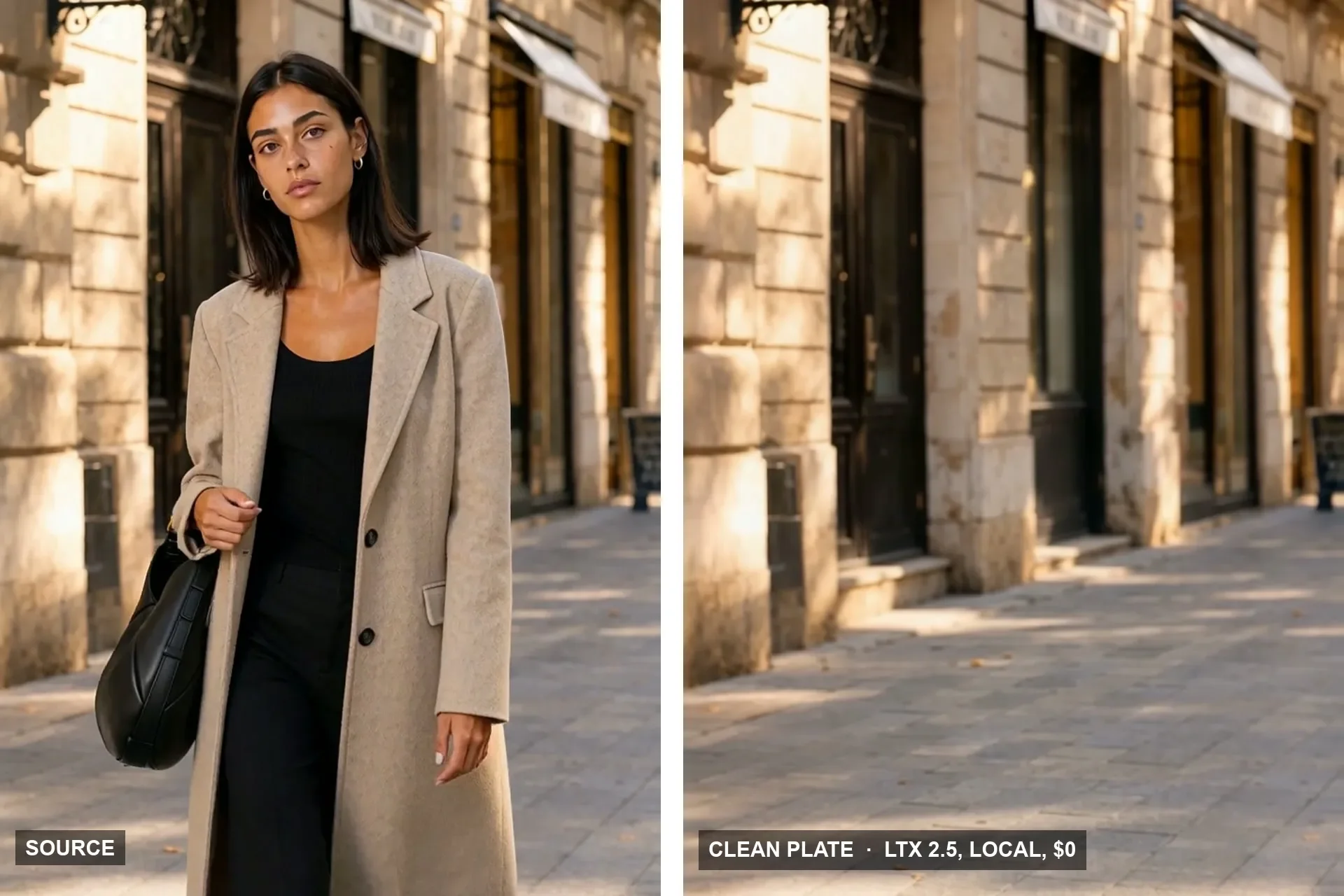
Lightricks shipped a set of post-production adapters for LTX 2.5: SDR to HDR, 8K, clean plates, mattes. We ran three of them locally on our own footage. Two earned a place in the pipeline. The upscaler did not.
Building a Room Out of Holograms: Empty Set, Wireframe, Solid
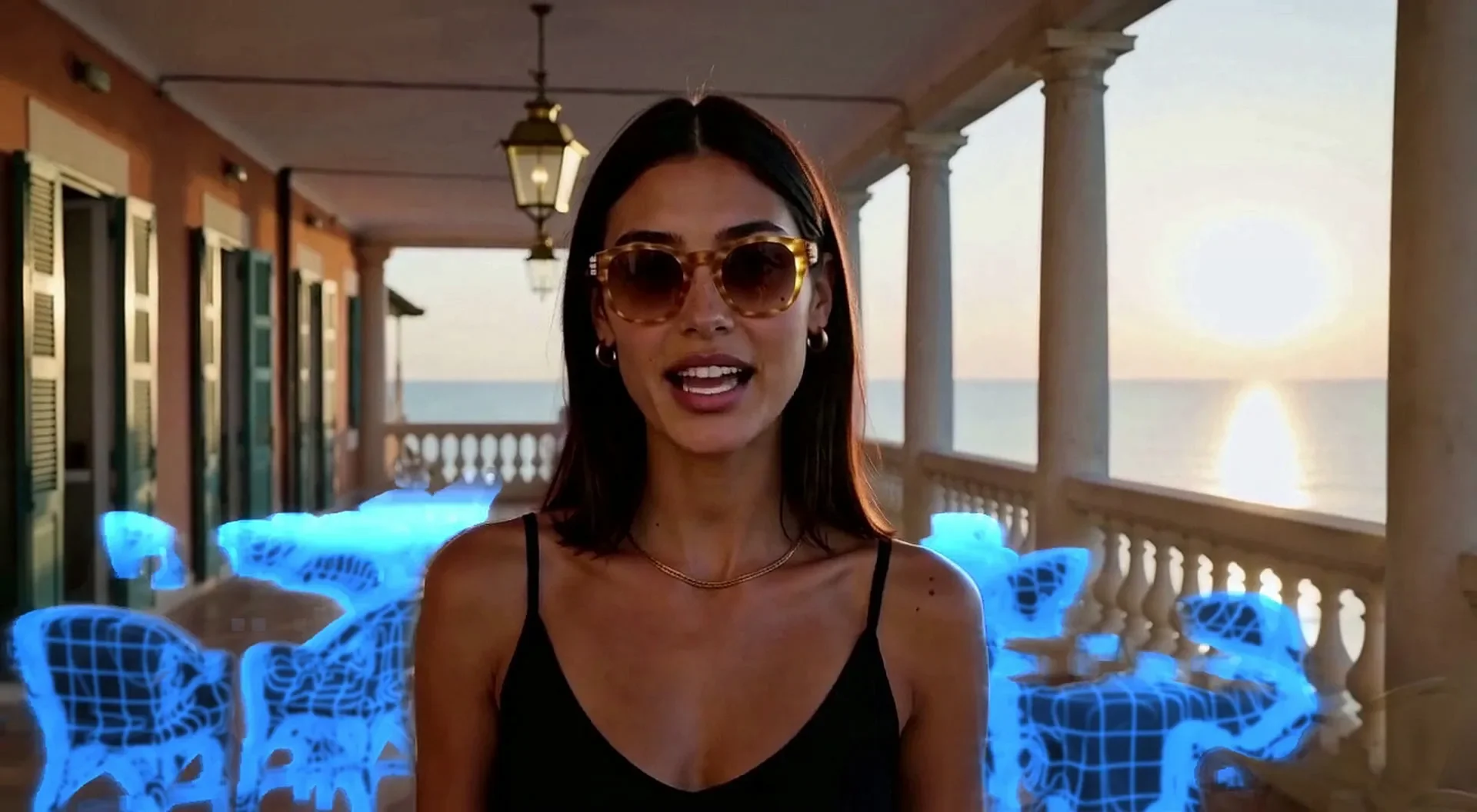
An empty place fills up as wireframe holograms that turn solid on a spoken word. We did it on a locked Unreal shot and on handheld AI footage, then spent three rounds killing the flicker.
The Snap Reveal: Why MiniMax H3 Ignored the Gesture and Unreal Didn't
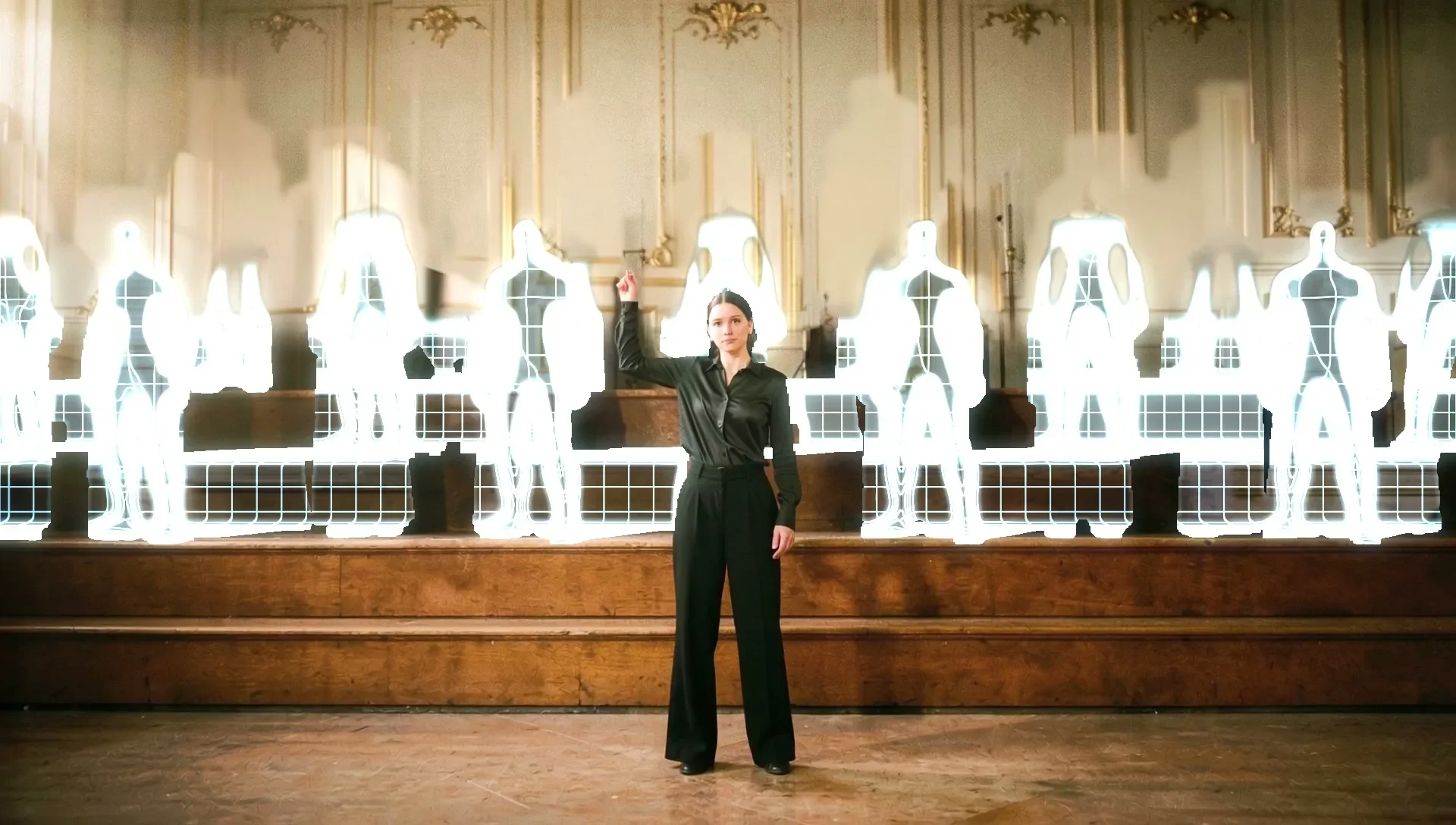
A woman snaps her fingers and a choir appears behind her. A frame-to-frame video model kept her playing and faded the choir in like ghosts. Blocking the gesture in Unreal put it exactly where we wanted it.