
Where AI Video Forgets: Thin Detail at the End of a Dolly
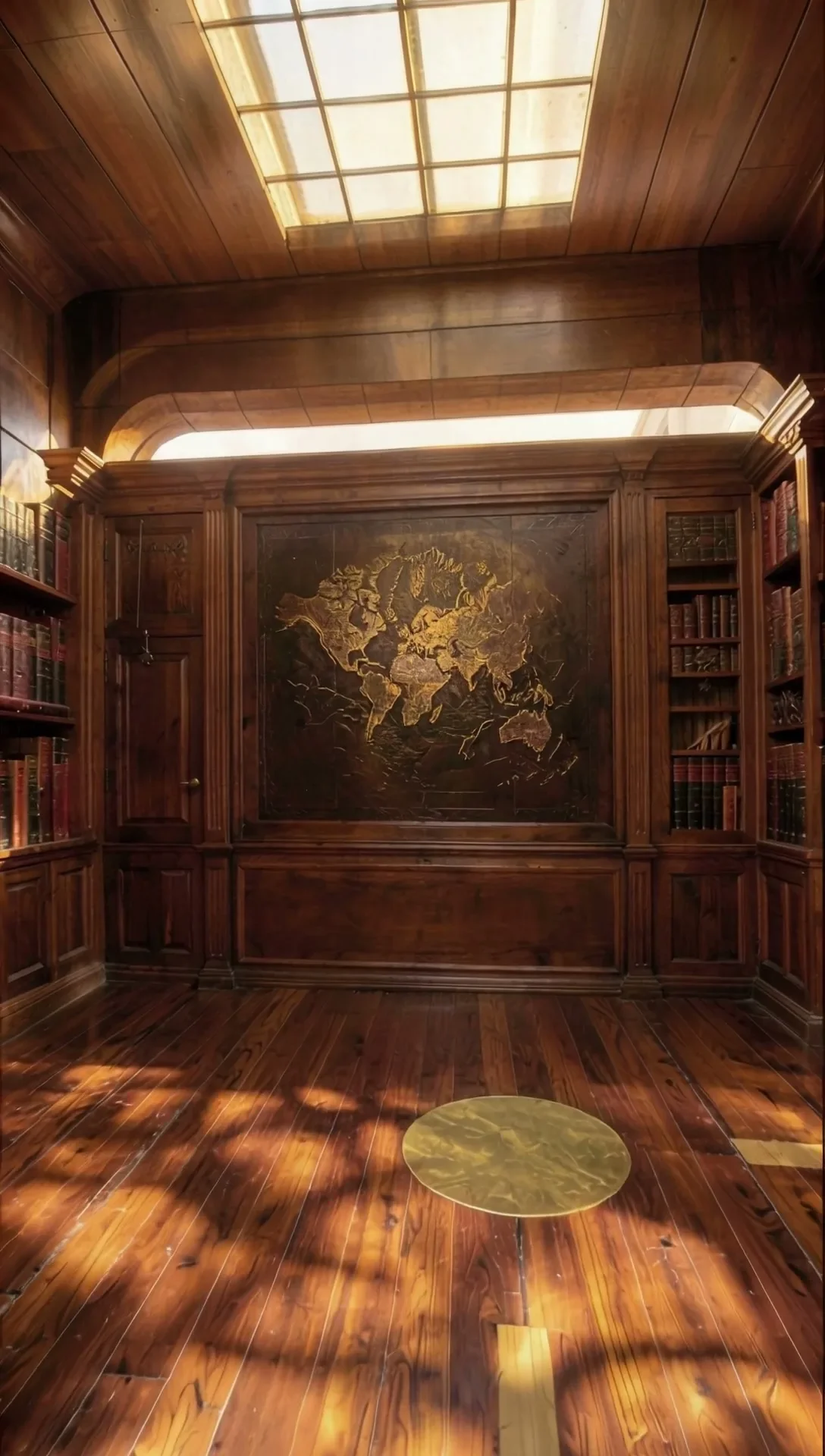
The look still pins frame 0. By frame 80 of a long dolly, a thin arched light slot had become a sliver, and the model repainted it as a flat cornice. An end keyframe made it worse; a shorter move fixed it.
Key takeaways
- With a 250-unit dolly, an arched light slot above the map panel narrowed to a sliver and the AI repainted it as a flat cornice around frame 80.
- The look still binds only frame 0. Late frames drift on thin detail that the model has to re-read from a grey layout.
- An end keyframe did not help: restyling the last grey frame with the image model recomposed the geometry in 3 of 3 tries.
- Shortening the move to 170 units held the arch to frame 80. Per-frame scale rose gently from 0.24% to 0.29%, which is perspective, not a bug.
- Check the last frame of the layout, not just the first, and end the move before detail turns into a sliver.
What went missing
This is the second problem we hit on the vertical library shot in our Unreal-to-AI series (overview: Unreal Is the Director). After fixing the camera keys in the zoom bug, the motion was clean. The detail was not.
Above the carved map panel sits an arched slot of light. On the first frame it is a clear, glowing arch, and the finished clip renders it beautifully. With a 250-unit dolly toward the wall, though, perspective narrows that slot as the camera approaches, which is correct. By the end of the move it is a sliver in the grey layout.
Around frame 80 the model stopped treating it as an arch. It repainted the slot as a flat cornice: a plausible piece of woodwork, consistent with the room, and simply wrong. Anyone watching the last second of the clip saw the arch quietly disappear.
Why the end of a move is where it breaks
The look still is a single image, and it is matched to the first frame of the layout. It tells the model what the arch looks like at the start. For every later frame, the model has to work out what each part of the grey layout is from the layout itself, carrying the look forward.
Large, clear shapes survive that easily. Thin detail does not. When a feature has narrowed to a sliver of grey, there is very little in the layout to say what it is, and the model fills it with whatever fits the room best. The further the camera has travelled from the framing of the look still, the more of these decisions it is making on its own.
So late frames drift, and they drift on exactly the details that a long move makes small.
The fix we tried first: an end keyframe
The obvious idea was to give the model a second anchor: restyle the last grey frame into a finished image too, and feed it as an end guide.
It failed before we ever rendered video. Restyling the last grey frame with the image model recomposed the geometry in 3 of 3 tries: the panel narrowed and the arch was gone, the same mistake the video model had made. Feeding an end frame that disagrees with the layout would have forced the model to reconcile the two, and the result would have been a visible jump near the end of the clip.
The fix that worked: a shorter move
Instead of adding guidance, we changed the shot. Shortening the dolly from 250 to 170 units kept the arch wide enough in the layout to stay an arch, and it held all the way to frame 80.
| Dolly length | Arch at frame 80 | Per-frame scale |
|---|---|---|
| 250 units | repainted as a flat cornice | — |
| 170 units | held | 0.24% rising to 0.29% |
The scale numbers are worth reading after the zoom bug. They rise, from 0.24% to 0.29% per frame, and that is fine. A camera moving at constant speed toward a wall sees the wall grow faster as it gets closer; that is perspective. The eased camera in the zoom bug went from 0.01% to 0.62% per frame, which is a camera accelerating. A gentle rise is geometry; a steep one is your keys.
How we check a layout now
- Look at the last frame of the grey layout before rendering anything. If a detail you care about has become a sliver, shorten or reframe the move.
- After rendering, stack the grey layout and the finished clip at frames 0, 40, 60, 70 and 80. The late frames are where drift shows.
- Do not reach for an end keyframe unless the image model can restyle the last frame without moving geometry.
- Read scale curves for shape, not just size: a gentle rise toward a wall is perspective, a steep one is easing.
The general lesson is that the camera move is part of the brief for detail, not just for motion. A move that ends on a framing the look still cannot describe is asking the model to invent the end of the shot.
Next in the series, we put a person into the frame: Casting a Mannequin: Turning Unreal's Quinn into Our Talent Miranda Calder.
Related

Building a Room Out of Holograms: Empty Set, Wireframe, Solid
An empty place fills up as wireframe holograms that turn solid on a spoken word. We did it on a locked Unreal shot and on handheld AI footage, then spent three rounds killing the flicker.
The Snap Reveal: Why MiniMax H3 Ignored the Gesture and Unreal Didn't
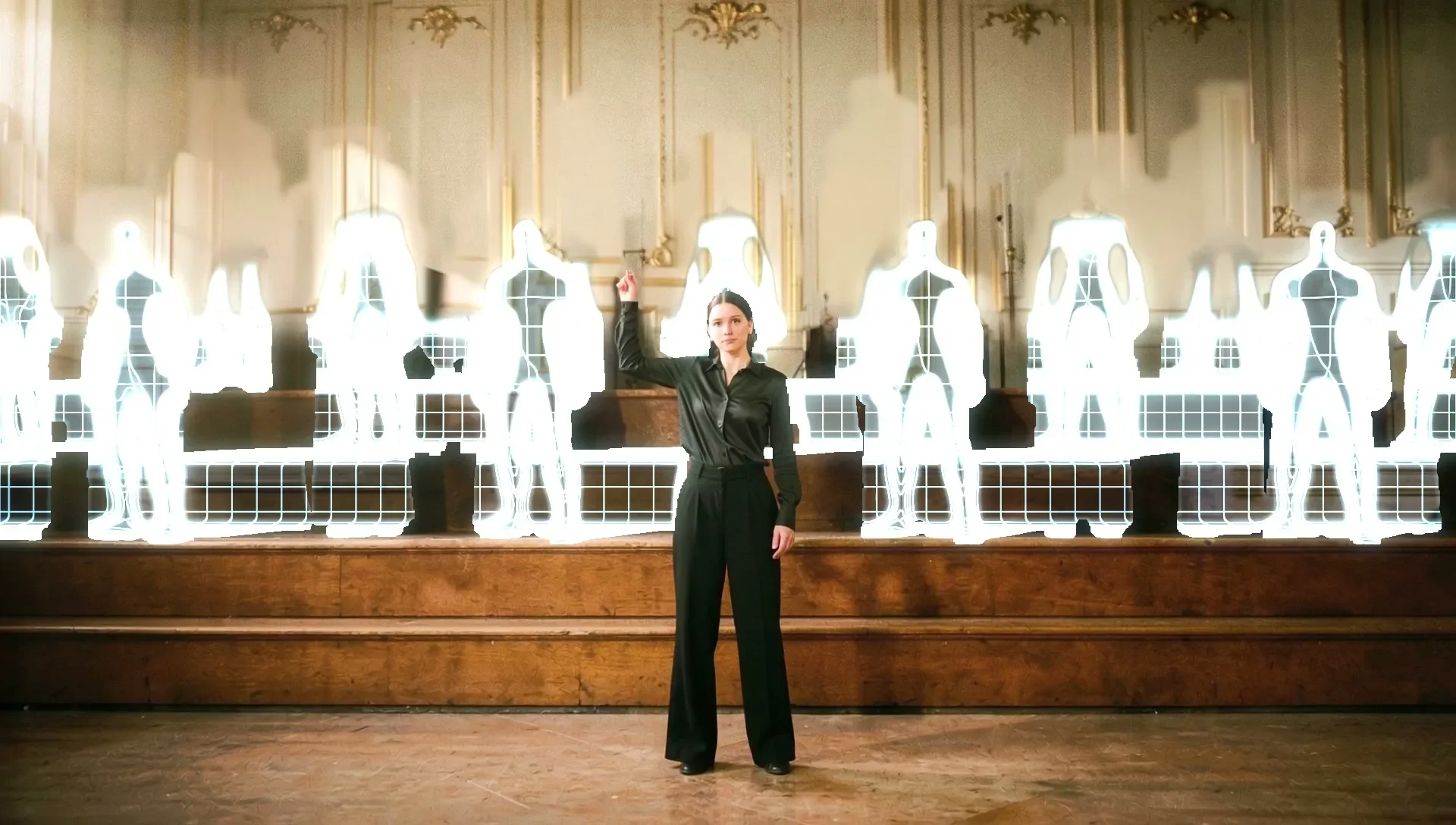
A woman snaps her fingers and a choir appears behind her. A frame-to-frame video model kept her playing and faded the choir in like ghosts. Blocking the gesture in Unreal put it exactly where we wanted it.
A Wireframe Hologram Effect Built from Depth, Not Generated
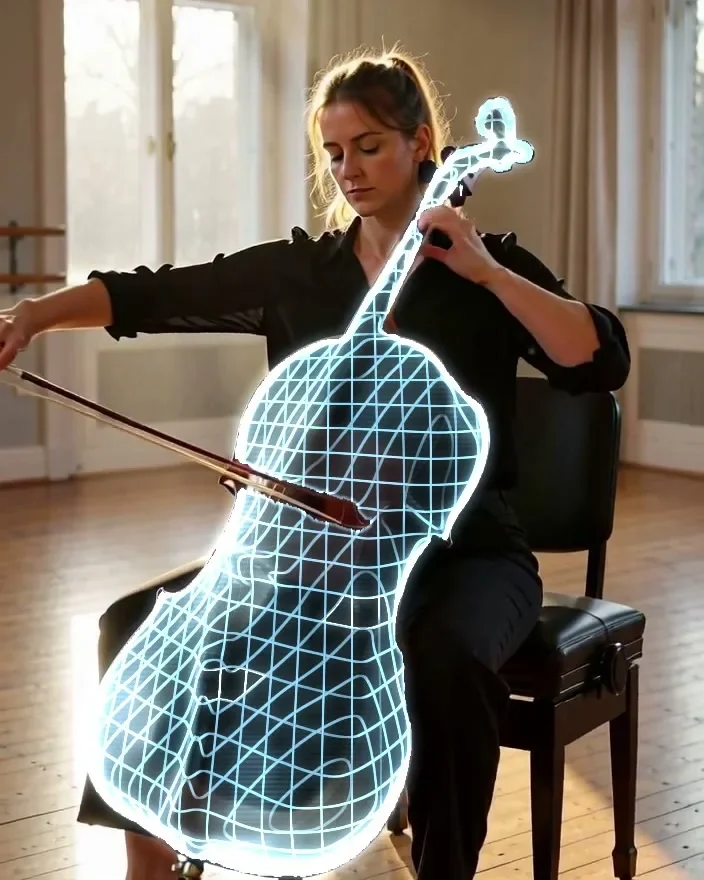
One object turns into a glowing digital twin while everything else stays real. A text prompt picks the object, depth wraps the grid around its curves, and it rendered on the first try for $0.