
Layout-To-Render vs Seedance 2.5: When You Need Control, When You Need Performance
LTX 2.5 with Layout-To-Render locks the camera to an Unreal layout for $0 a clip. Seedance 2.5 gives you dialogue and long takes, paid per second. We use both, in that order.
Key takeaways
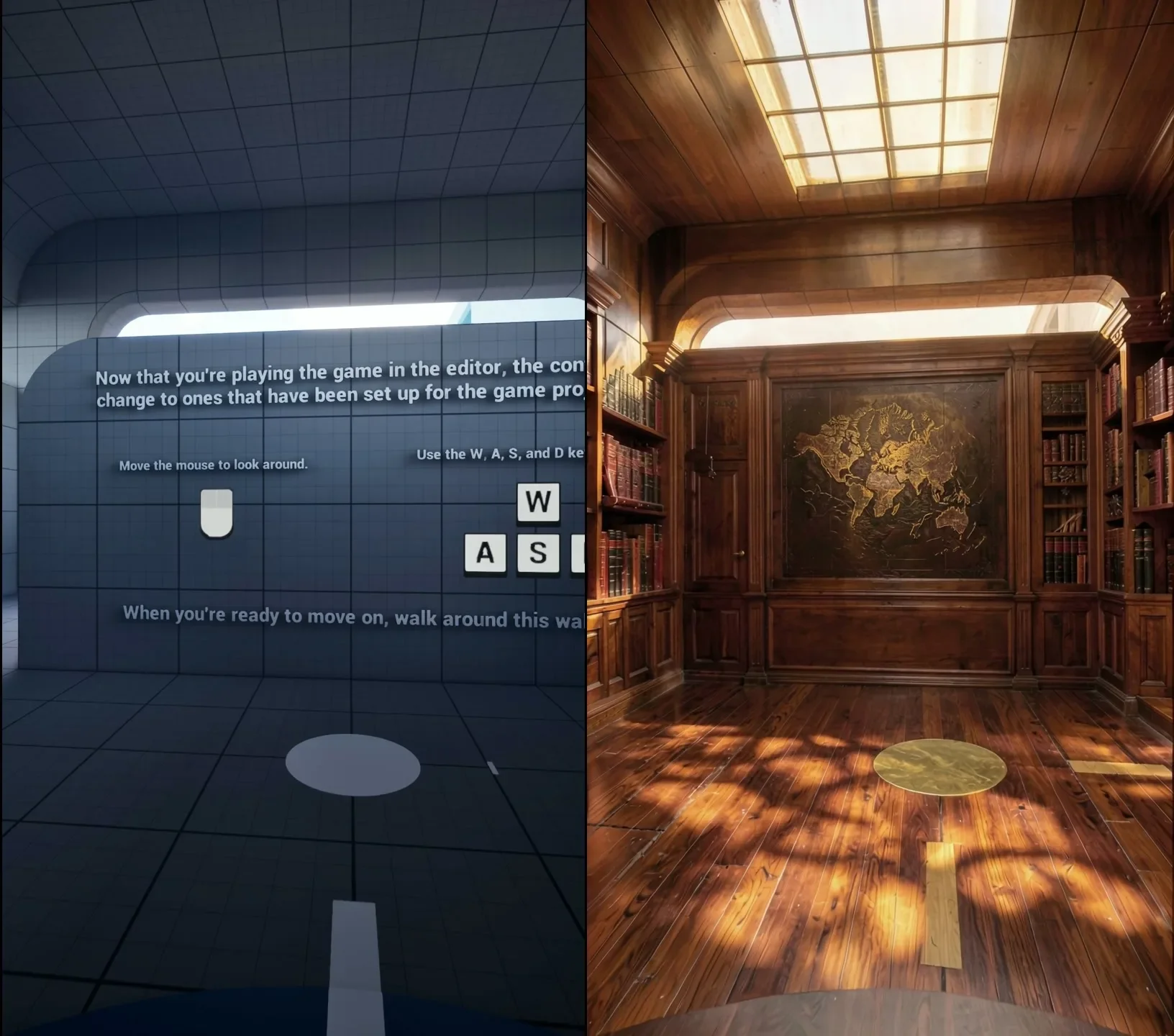
- Layout-To-Render locks camera and geometry to the layout frame by frame. Seedance 2.5 reads a reference video approximately.
- In the LTX rail Unreal is the director; for Seedance it is previz, a first frame and a motion reference.
- LTX gives about 3.4 s with essentially no audio (97 frames is our card's ceiling). Seedance 2.5 renders 4–30 s single takes with native lip-synced dialogue.
- LTX is $0, about 5 minutes a clip, with unlimited retries. Seedance is paid per second: $0.4622 per second at 720p on the API we use.
- Lock the camera and framing locally first, then hand the Unreal render and look still to Seedance only for dialogue or long takes.
The short answer
These two rails are not competitors for the same shot. LTX 2.5 with Lightricks' Layout-To-Render IC-LoRA gives us control: the camera and geometry of an Unreal layout, reproduced frame by frame, for nothing. Seedance 2.5 gives us performance: a person speaking in sync, in a single take long enough to play a scene.
So we use them in sequence. Every shot is blocked and iterated on the local rail until the framing is locked. Only shots that need dialogue or a long take go on to Seedance, carrying the Unreal render and the look still with them. The local pipeline is described in Unreal Is the Director.
Side by side
| Dimension | LTX 2.5 + Layout-To-Render | Seedance 2.5 |
|---|---|---|
| Camera and geometry | locked to the layout, frame by frame | reference video read approximately |
| Unreal's role | director | previz: first frame and motion reference |
| Identity | look still + head-crop faceswap | @Image character references |
| Audio | essentially none | native, lip-synced dialogue |
| Length | about 3.4 s (97 frames is our card's ceiling) | 4–30 s single take |
| Cost | $0, about 5 min, unlimited retries | paid per second ($0.4622/s at 720p) |
Camera: copied vs interpreted
Layout-To-Render follows the layout's per-frame scale within ±0.05%. In practice that means the camera you animate in Unreal is the camera you get, including any mistake in it.
Seedance treats a reference video as an instruction to move like this. It is good at catching the intent of a move and does not promise to reproduce it exactly. For a shot that must cut precisely against the next one, or match a planned framing at a particular frame, that difference decides the rail.
Identity: a still vs references
On the local rail, identity lives in one image. We build a look still and bind our talent into it with a head-crop faceswap; the video model then holds that face across all 81 frames (we measured 9/10 stability). The details are in Casting a Mannequin.
Seedance takes character references directly as @Image inputs and binds them in the prompt. That is more flexible, since there is no single frame to get right, and less deterministic, since the model decides how to apply them on every take.
Audio and length
This is where the local rail stops. Its clips are about 3.4 s and carry essentially no audio; 97 frames is the most our 16 GB card will run. A talking scene, or anything that needs to hold for longer than a few seconds, is not possible on it.
Seedance 2.5 renders 4 to 30 s in one take with native lip-synced dialogue. For performance, it is the tool.
Cost: free iteration vs paid takes
A local clip costs $0 and about 5 minutes, and we can retry as often as we like. Seedance is paid per second. On the Higgsfield API we measured $0.4622 per second at 720p, so a 10 s 720p clip is $4.62 before any re-roll (the full table is in our AI video cost per second audit).
That price is reasonable for a take you mean to keep. It is expensive for finding out what is wrong with a camera move. Both bugs in this series, the eased-key zoom and the arch lost at the end of a dolly, took several renders to diagnose. Locally that cost nothing. On Seedance each of those renders would have been a paid one.
How we chain them
- Block the shot in Unreal and render the grey layout.
- Build the look still and bind the talent.
- Iterate on the local rail until camera, framing, body and detail all hold. Every failure here is free.
- If the shot needs no dialogue and fits in a few seconds, the local render is the shot.
- If it needs dialogue or a long take, hand the Unreal render and the look still to Seedance as first frame and motion reference, and pay only for takes whose framing is already proven.
Previous in the series: The Body Is the Brief. Series overview: Unreal Is the Director.
Related

Building a Room Out of Holograms: Empty Set, Wireframe, Solid
An empty place fills up as wireframe holograms that turn solid on a spoken word. We did it on a locked Unreal shot and on handheld AI footage, then spent three rounds killing the flicker.
The Snap Reveal: Why MiniMax H3 Ignored the Gesture and Unreal Didn't
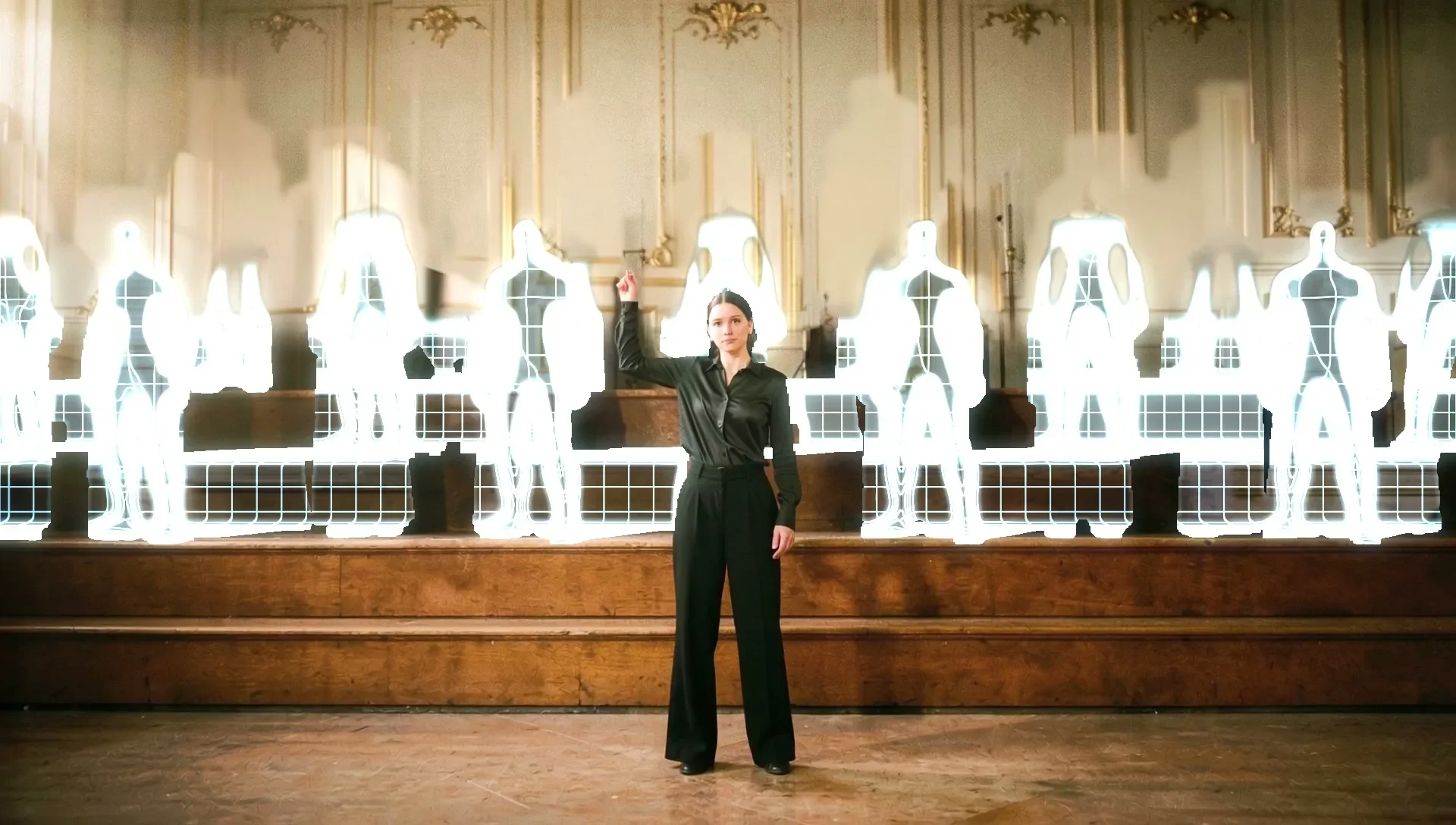
A woman snaps her fingers and a choir appears behind her. A frame-to-frame video model kept her playing and faded the choir in like ghosts. Blocking the gesture in Unreal put it exactly where we wanted it.
A Wireframe Hologram Effect Built from Depth, Not Generated
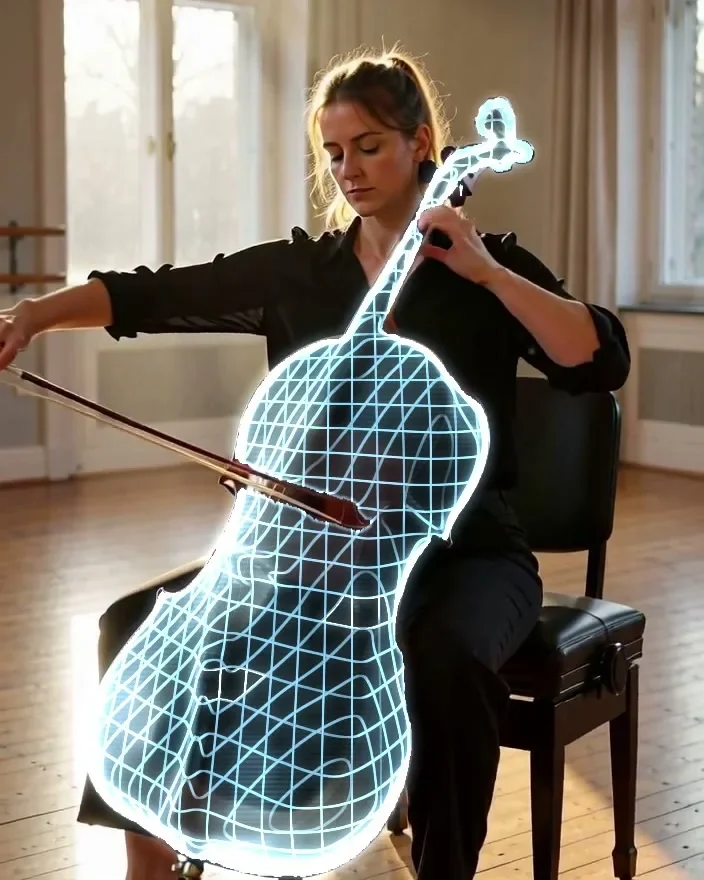
One object turns into a glowing digital twin while everything else stays real. A text prompt picks the object, depth wraps the grid around its curves, and it rendered on the first try for $0.