
Grading Only the Hero: Subject-Isolated Colour Grading for AI Video
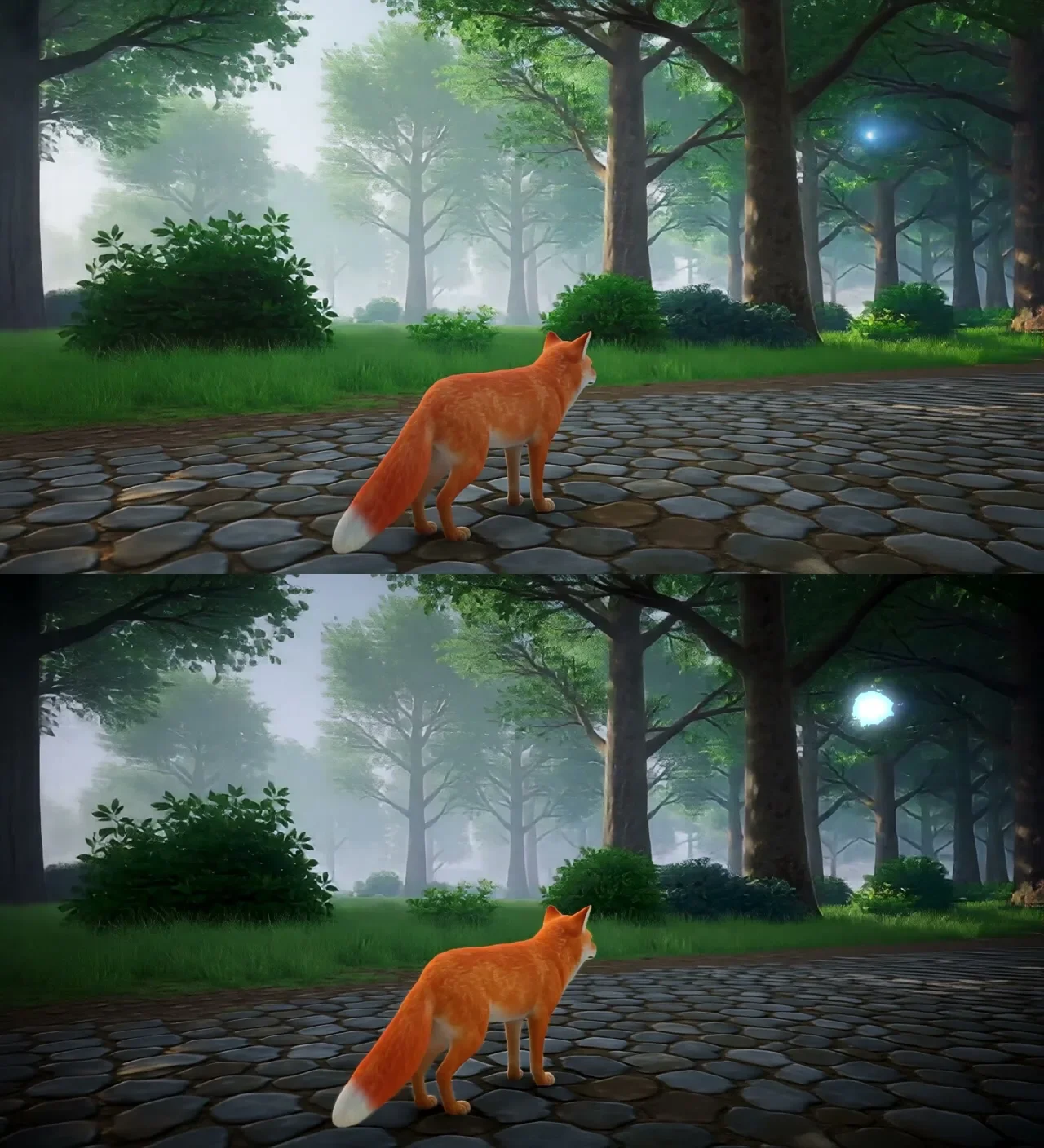
A text prompt makes the matte, After Effects grades it, and the whole chain runs headless. On a 10-second fox clip the matte held on 240 of 240 frames, in 57 seconds.
Key takeaways
- The matte comes from SAM3 and a text prompt ("the fox"): 240 of 240 frames tracked in 57 seconds.
- After Effects grades but cannot make the matte: Roto Brush is marked obsolete in this version and its propagation cannot be scripted.
- An AE colour key passed the whole sky as "firefly". Small glowing details need a matte on saturation and brightness together.
- Image sequences import into AE at 30 fps; a matte left there drifts off a 24 fps subject.
- Upscale first, grade last, interpolate after. The full grade rendered headless in 35 seconds.
The job
A finished clip often needs one thing graded differently from everything else: the hero warmer, the background cooler, a few small lights glowing. In a real grade that is a secondary correction behind a roto matte. In AI video the roto is the hard part, because the subject moves and no one shot it on a green screen.
Our test plate was the two-segment fox clip from our Hy-Nomas tests: 10 seconds, upscaled 2x with FlashVSR to 2560x1408. The brief was a cool, moody forest, a warm red fox that separates from it, glowing fireflies, and no colour jump at the seam between the two segments.
The chain, with timings
| Step | What it does | Time |
|---|---|---|
| Upscale | FlashVSR v1.1 2x to 2560x1408 | ~6 min |
| Subject matte | SAM3 tracks "the fox" on the 1280x704 source, 240/240 frames | 57 s |
| Detail matte | HSV matte for the fireflies, found in 136/240 frames | seconds |
| Grade | After Effects by script: two Lumetri passes and a Glow, rendered headless | 35 s |
| Frame rate | RIFE x5, then 60 fps: 240 → 598 frames | 75 s |
The order matters. Upscale first and grade last: grading and then upscaling sharpens the grade's edge into a visible line around the subject. Make the matte on the source resolution, because its cost scales with pixels; After Effects scales it to the plate. Interpolate to a higher frame rate only after the grade, and only if the motion stutters.
Why the matte comes from SAM3, not After Effects
We drive After Effects by script, and we expected to make the matte there too. We could not. In this version Roto Brush is filed under obsolete effects, and its propagation is a manual, in-interface step that a script cannot trigger.
So the work is split by strength. SAM3 takes a text prompt ("the fox") and returns a per-frame mask; on this clip it held all 240 frames, through the segment seam, in 57 seconds. After Effects imports that mask as a track matte and does the grading, where its colour tools are good and the project stays open for a colourist to adjust by hand.
Why a colour key failed on the fireflies
The obvious way to isolate small glowing points is a colour key. We tried it. After Effects' Linear Color Key passed the entire plate, because pale overcast sky shares the fireflies' hue, and the glow layer blew every frame to white.
A firefly is not defined by its hue alone. It is a small point that is both saturated and bright. A matte built on saturation and value together, with large blobs dropped because a detail is small, found the fireflies in 136 of 240 frames at 0.1% mean coverage and left the sky alone.
One frame-rate trap
Image sequences import into After Effects at 30 frames per second by default. Our clip was 24. Left unconformed, the matte runs faster than the plate, and the warm grade slides off the fox within seconds. Conform every sequence to the plate's frame rate before building the comp.
What it does and does not handle
On this clip the result held at 1:1: no halo on the fur, the fireflies glowing, the sky untouched, and no ghosting on the legs and tail after interpolation.
It works best on:
- one subject you can name ("the fox", "the woman", "the car")
- one continuous shot (a hard cut breaks the track; split per shot)
- moderate motion with a clear silhouette
It struggles with two lookalike subjects, very fast motion with blur, and soft edges like fur and hair unless the matte is softened.
Our episode series have their own established looks and do not use this chain; it is for standalone work. The same matte turned out to be the foundation of two effects: a LiDAR scan and a wireframe hologram.
Related
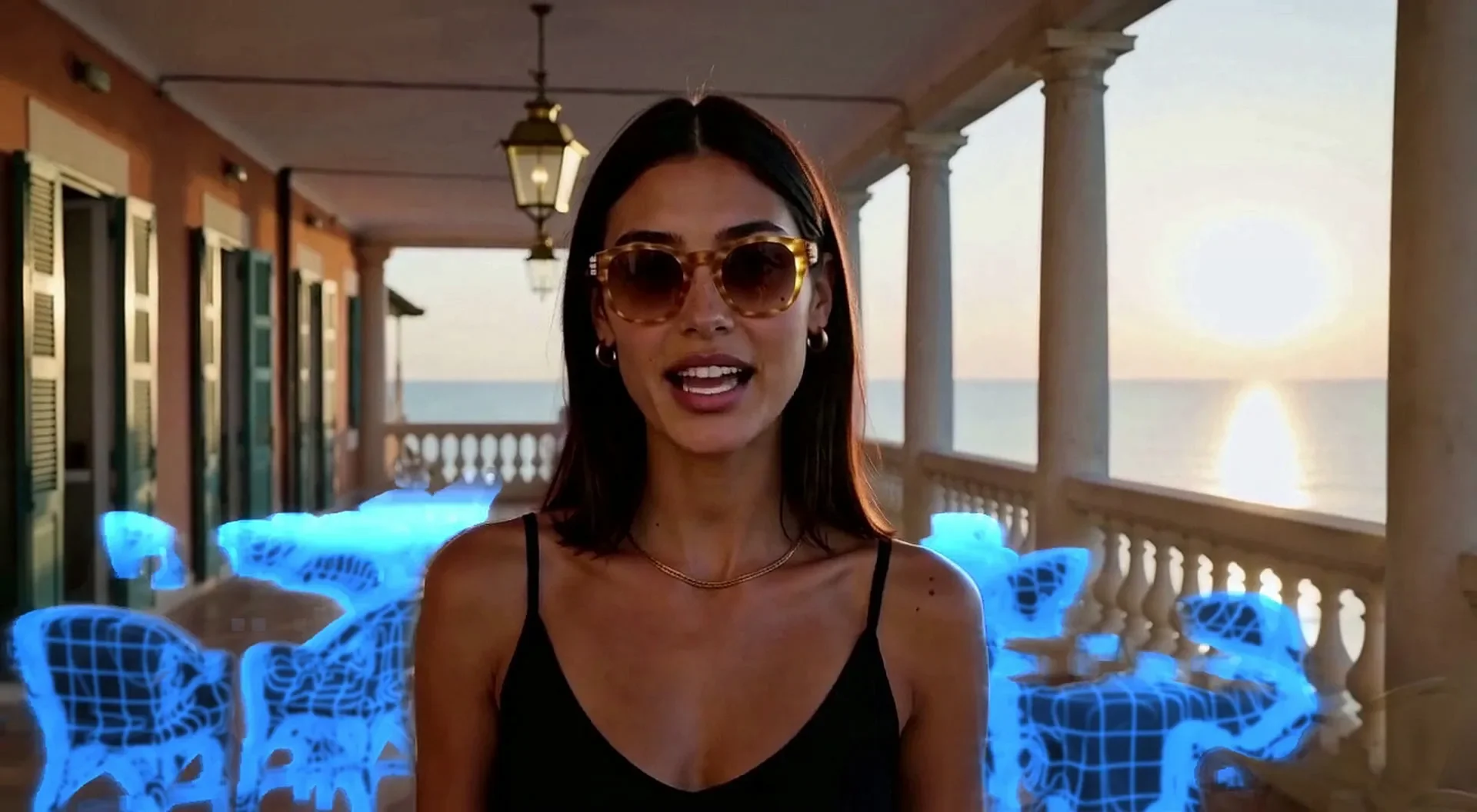
Building a Room Out of Holograms: Empty Set, Wireframe, Solid
An empty place fills up as wireframe holograms that turn solid on a spoken word. We did it on a locked Unreal shot and on handheld AI footage, then spent three rounds killing the flicker.
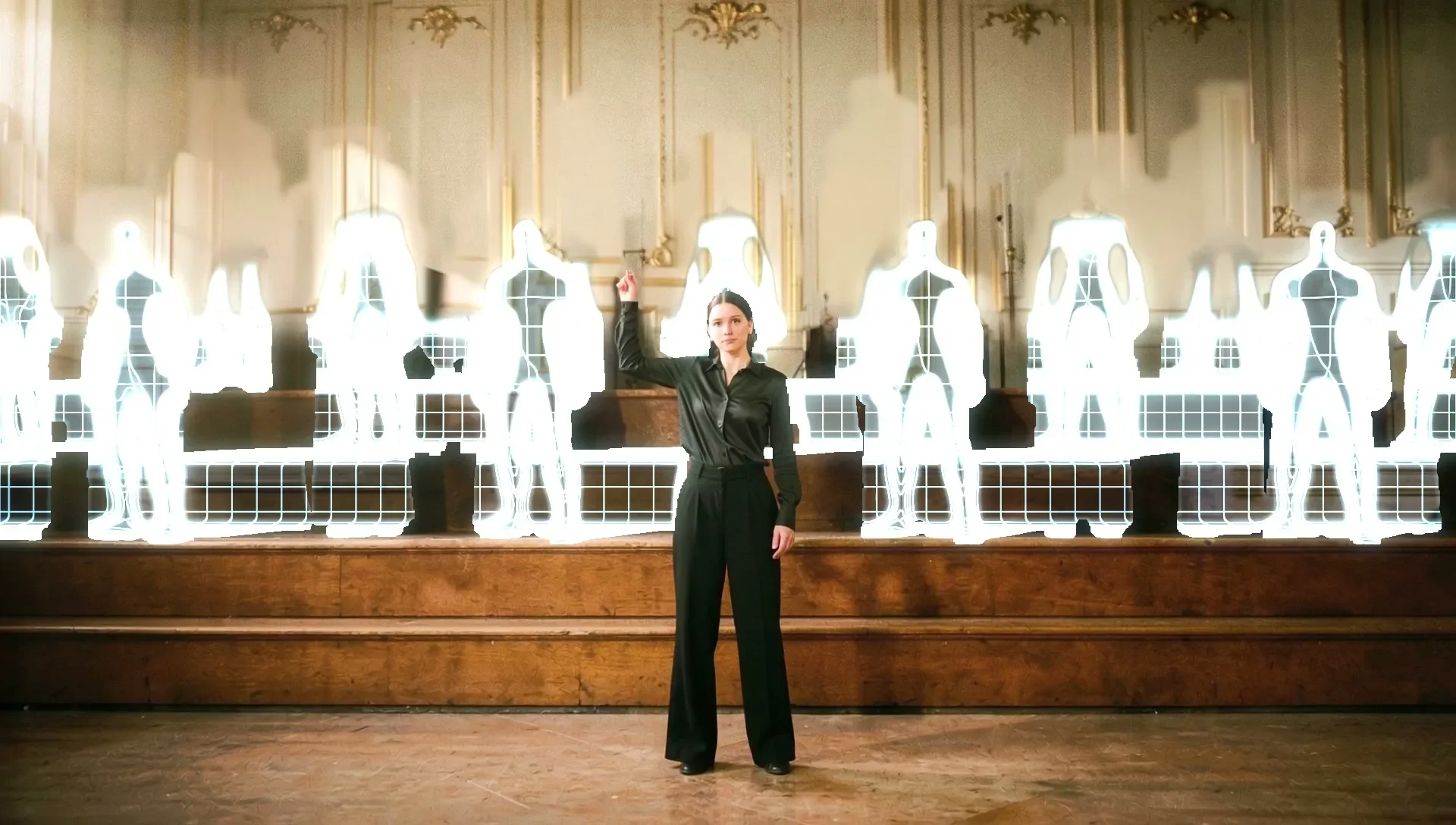
The Snap Reveal: Why MiniMax H3 Ignored the Gesture and Unreal Didn't
A woman snaps her fingers and a choir appears behind her. A frame-to-frame video model kept her playing and faded the choir in like ghosts. Blocking the gesture in Unreal put it exactly where we wanted it.
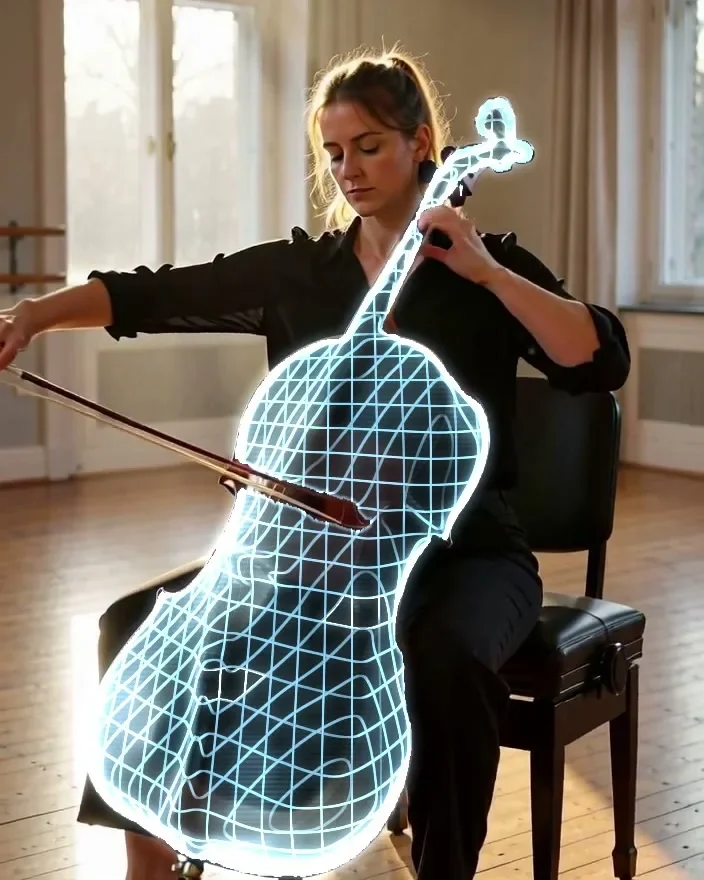
A Wireframe Hologram Effect Built from Depth, Not Generated
One object turns into a glowing digital twin while everything else stays real. A text prompt picks the object, depth wraps the grid around its curves, and it rendered on the first try for $0.